AI & Automation
AI Automation Without Operational Chaos
September 18, 2025 | 11 min read
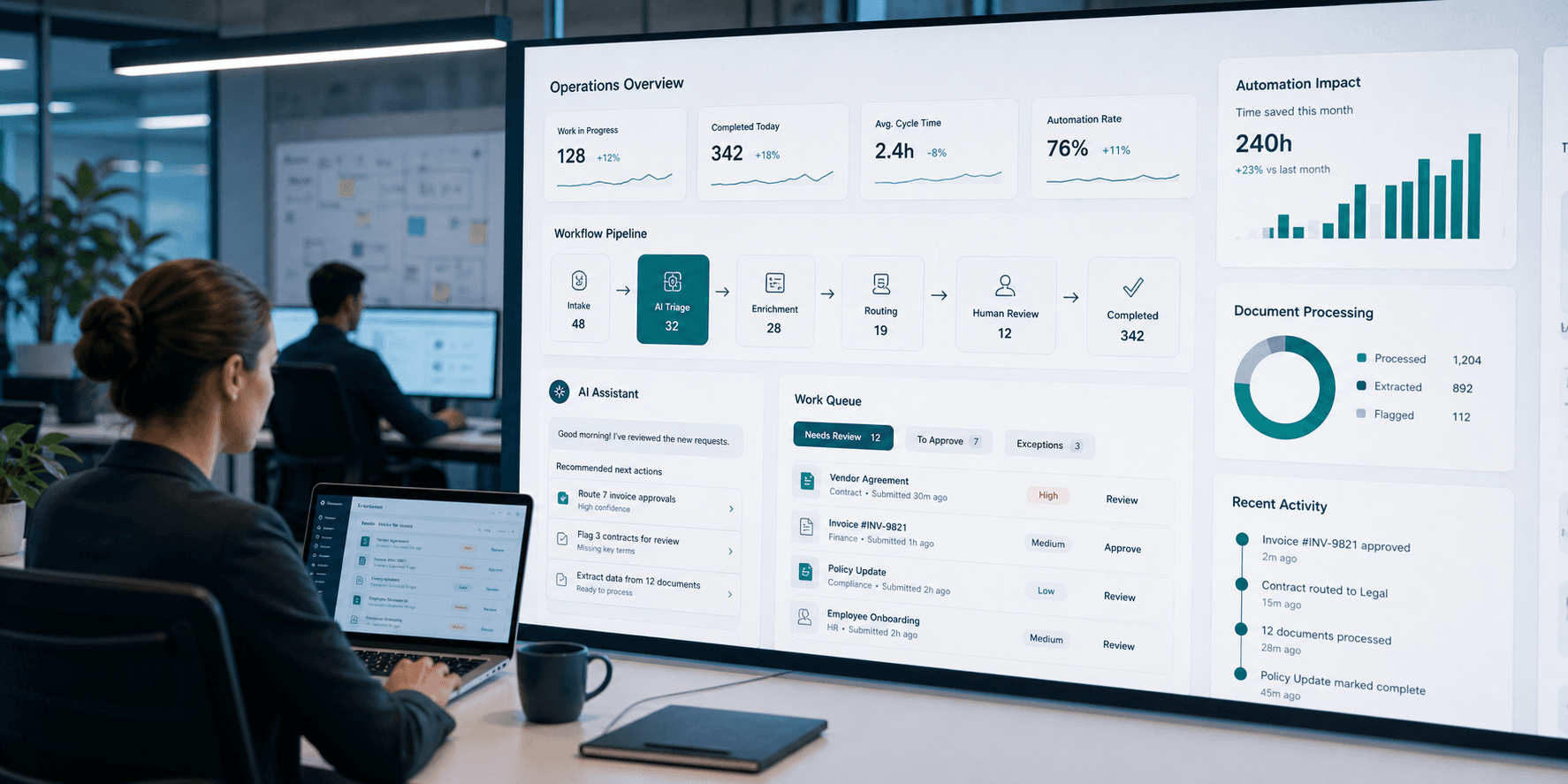
AI automation without operational chaos starts with a boring question: what work is slow, repetitive, and expensive enough to improve? If the answer is unclear, the automation will probably create more confusion than value.
Good candidates are workflows with a predictable shape. A request comes in, information is gathered, the work is categorized, someone reviews it, an action is taken, and the result is recorded. Support triage, invoice review, contract intake, onboarding, compliance evidence collection, and document processing often fit this pattern.
The chaos usually starts when teams give AI too much responsibility too quickly. A model that summarizes a document is helpful. A model that changes a customer record, sends an external message, or approves an exception without review can create risk fast.
A safer design separates assistance from authority. AI can prepare the work: read the request, find related records, identify missing fields, suggest a category, draft a response, or recommend a next step. A person still owns the judgment-heavy decision.
Context is the difference between useful automation and noisy automation. The system should pull from approved sources such as policies, product documentation, ticket history, CRM records, knowledge bases, or structured operational data. It should also show which sources informed the recommendation.
Every AI workflow needs an escalation path. If confidence is low, required data is missing, policy rules conflict, or the request is unusually sensitive, the system should stop and route the item to a human reviewer. Pausing is better than pretending.
Permissions matter as much as model quality. Decide what the automation can read, what it can draft, what it can update, and what always requires approval. Those boundaries should be tied to business risk, not just technical convenience.
Operational visibility is what keeps the system trustworthy over time. Teams should be able to see inputs, recommendations, approvals, overrides, final outcomes, and error patterns. Without that audit trail, it becomes hard to improve the workflow or explain what happened.
Rollout should be gradual. Start with read-only recommendations, compare AI suggestions against human decisions, tune the workflow, then allow low-risk actions once the team trusts the pattern. The more impact an action has, the more review it deserves.
Measure the workflow like a product. Track cycle time, accuracy, escalation rate, override rate, rework, user satisfaction, and time saved. If the numbers do not improve, the automation may need narrower scope, better source data, clearer rules, or fewer handoffs.
The point is not to make AI look impressive. The point is to make operations calmer: less manual sorting, fewer missed details, clearer ownership, better records, and faster movement through work that used to sit in queues.
What works well
- Works well for repeatable workflows with clear intake, routing, review, and recordkeeping steps.
- Reduces manual sorting by preparing summaries, categories, missing-field checks, and suggested next actions.
- Keeps people in control when approval points are built around risky or judgment-heavy decisions.
- Improves auditability when recommendations, source references, overrides, and outcomes are logged.
What to watch
- Creates confusion when teams automate a workflow before clarifying ownership and decision rules.
- Can produce weak recommendations when source documents are outdated, conflicting, or incomplete.
- Raises security and privacy risk if read, write, and approval permissions are too broad.
- Needs ongoing monitoring because policies, edge cases, and business expectations change over time.